dashboard
-

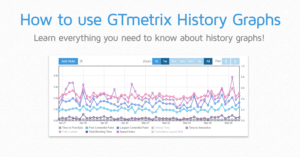
How to Use History Graphs
In this guide, we’ll tell you all about GTmetrix History Graphs and how to use them.
-

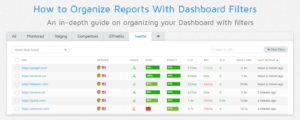
How to Organize Reports With Dashboard Filters
An in-depth guide on organizing your GTmetrix Reports with Dashboard Filters.
-
How to Use Tags
We’ve written an in-depth guide on organizing your GTmetrix Reports with Tags.
-
How to Add Global Notes
Need to bulk add notes to History Graphs on multiple GTmetrix Reports? Now, you can with Global Notes!
-
Compare page and Dashboard filter updates
We’ve updated our Compare page with filmstrips and added new Dashboard filters.
-
Tips and Tricks 7: Dashboard Edition
A guide on the GTmetrix Dashboard; the center of all your analysis activity.
-

Tips and Tricks 6 – Double Click Tab Filters to Open Filter Options
Instead of clicking on the “Filter Options,” button to expand them, you can double click on the filter tab itself for quick and convenient access to your options.
-
Timings Added to History Graph and More Updates
We’ve added the rest of our timings to the history graph for a complete visualization of your performance, as well as some improvements to UI/UX.